

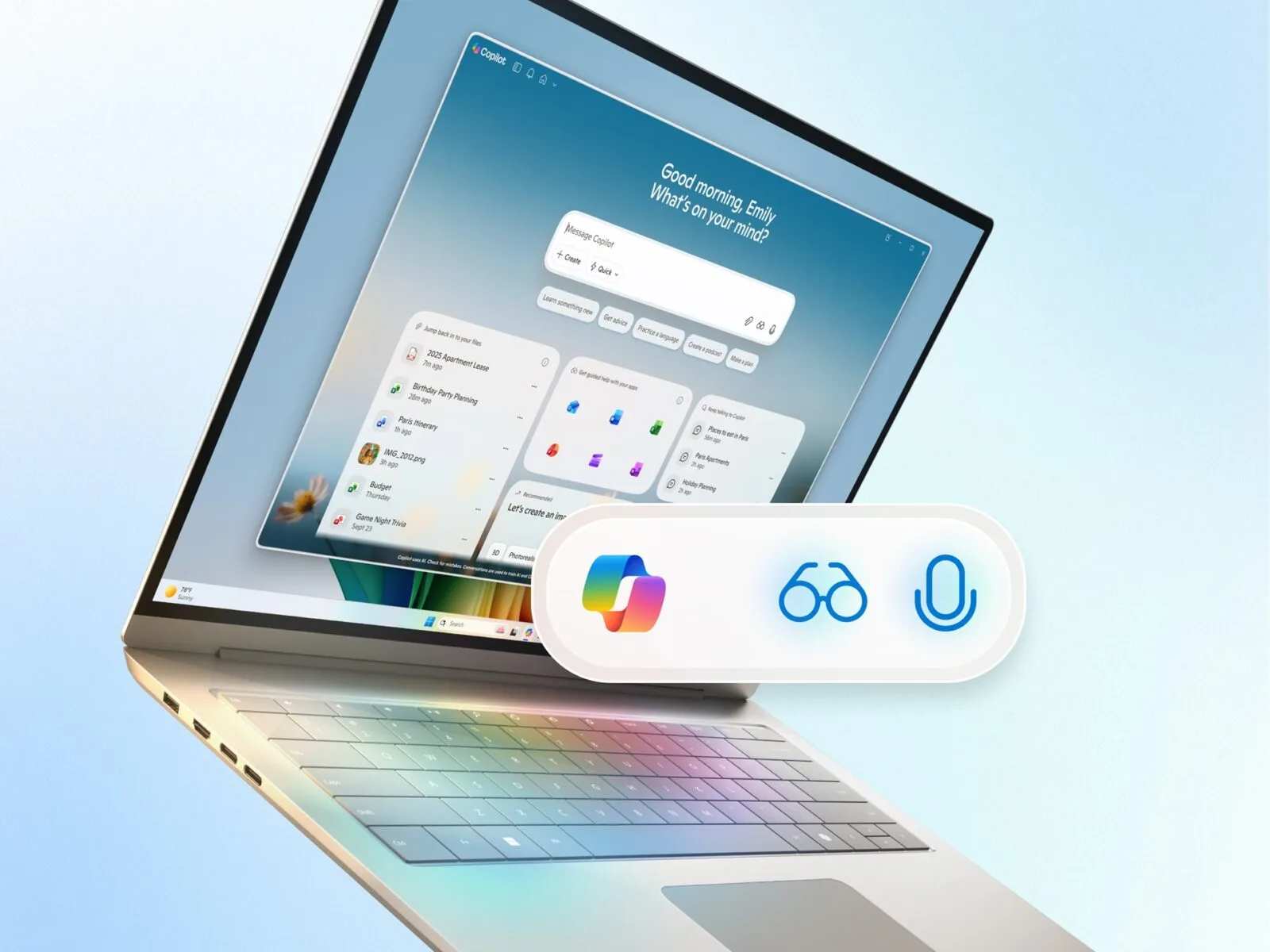
Windows 11 Becomes Smarter with AI-Powered Copilot Updates
Microsoft has officially announced one of the biggest Windows 11 updates yet — bringing powerful AI-driven Copilot features that aim to redefine how users interact with their PCs. The update introduces tools like Copilot Voice, Copilot Vision, Gaming Copilot, and Project Manus, all designed to make Windows more intelligent, accessible, and personalized.
According to Microsoft, these innovations combine the power of on-device and cloud-based AI to help users create, play, and work more efficiently than ever before.
Copilot Becomes Central to the Windows 11 Experience
Copilot — Microsoft’s AI assistant integrated across Windows, Microsoft 365, and Edge — is getting a major upgrade. It will soon become the core intelligence layer of Windows, capable of understanding user intent and managing tasks across apps and devices.
This next-generation Copilot isn’t just reactive. It proactively understands context, handles workflows, and offers assistance through voice, text, and vision — all while maintaining Microsoft’s strong focus on user privacy and data security.
Copilot Voice: Hands-Free Control and Natural Interaction
One of the most anticipated features is Copilot Voice, which allows users to control their PC entirely through natural voice commands. Using advanced speech recognition and context understanding, Copilot Voice can perform actions like:
-
Opening and closing apps
-
Managing files and folders
-
Writing or replying to emails
-
Searching the web
-
Controlling system settings
This innovation is part of Microsoft’s ongoing mission to make Windows more accessible for everyone, including people with mobility or vision challenges. Voice input is processed securely using a hybrid approach that combines on-device processing with Microsoft’s trusted AI models.
Copilot Vision: AI That Sees and Understands Your Screen
The new Copilot Vision feature enhances how Windows understands on-screen content. Using image recognition and contextual understanding, it can interpret screenshots, documents, and even app interfaces. For example, users can ask:
-
“What does this chart mean?”
-
“Summarize this PDF for me.”
-
“Describe what’s on my screen.”
Copilot Vision effectively gives Windows “eyes,” allowing users to interact with visual elements naturally and instantly — a massive leap in accessibility and usability.
Project Manus: A New Way to Build with AI
Microsoft also introduced Project Manus, an AI-driven workspace for developers and creators. This experimental feature integrates machine learning, 3D modeling, and text-to-action tools that allow users to design, prototype, and simulate within Windows.
Manus aims to streamline creative processes by merging AI with traditional design workflows — bridging the gap between creativity and productivity.
Gaming Copilot: AI Support for Every Gamer
Gaming gets a major boost with Gaming Copilot, a new AI assistant dedicated to enhancing the gaming experience. Built into Windows 11 and Xbox Game Bar, this feature can:
-
Provide real-time tips and strategies for supported games
-
Optimize performance settings based on system specs
-
Summarize quest logs or story progress
-
Help streamers with quick content generation
Microsoft says Gaming Copilot is built to assist both casual gamers and streamers, offering intelligent support that adapts to the user’s behavior and gameplay style.
Copilot+ PCs: The Next Generation of AI Hardware
Alongside the software updates, Microsoft is expanding its Copilot+ PC lineup — a new class of Windows 11 devices built specifically for AI workloads. These PCs include neural processing units (NPUs) that handle local AI tasks faster and more efficiently.
By combining local NPUs with Azure AI cloud power, Copilot+ PCs deliver smoother performance, faster AI responses, and improved energy efficiency. Microsoft claims that this hybrid architecture will set a new standard for AI computing.
Accessibility and Inclusion at the Core
Accessibility remains one of Microsoft’s strongest priorities. The company highlighted that Copilot Voice and Vision are designed not just as convenience tools but as essential features for inclusion.
Users with physical disabilities can rely on voice-first control, while those with low vision can use Copilot Vision for real-time screen interpretation. These updates align with Microsoft’s long-term commitment to making technology accessible to all.
AI-Powered Productivity in Everyday Tasks
Beyond creativity and accessibility, Microsoft is using AI to simplify everyday PC tasks. The updated Copilot can now:
-
Summarize long emails and documents
-
Generate content in Microsoft Word and PowerPoint
-
Analyze Excel data using natural language
-
Automate repetitive workflows across apps
For business users, this means faster decision-making and reduced cognitive load, as Copilot intelligently handles tasks that once required multiple steps and manual input.
Integration Across Microsoft Ecosystem
Copilot’s capabilities extend across Microsoft’s entire ecosystem, including:
-
Microsoft 365 for document and data automation
-
Edge for contextual web assistance
-
Teams for meeting summaries and live translation
-
Outlook for email prioritization and drafting
This cross-platform integration ensures that users experience consistent AI assistance whether they’re working on desktop, web, or mobile platforms.
Microsoft’s Vision for the Future of AI in Windows
Microsoft is clear about its long-term direction: AI will be deeply embedded into every part of the Windows experience. From creation to communication, Copilot will evolve from a tool into a digital collaborator capable of understanding users’ needs in real time.
These updates reflect Microsoft’s strategy to maintain its leadership in the AI-powered PC revolution, competing with Apple’s upcoming AI-integrated macOS updates and Google’s AI-driven ChromeOS initiatives.
Availability and Rollout
The new Copilot features — including Copilot Voice, Copilot Vision, Project Manus, and Gaming Copilot — will begin rolling out in early 2026 as part of Windows 11’s major update cycle.
Microsoft has already started preview testing with select users, with broader availability expected in later updates.
A New Era for Windows and AI
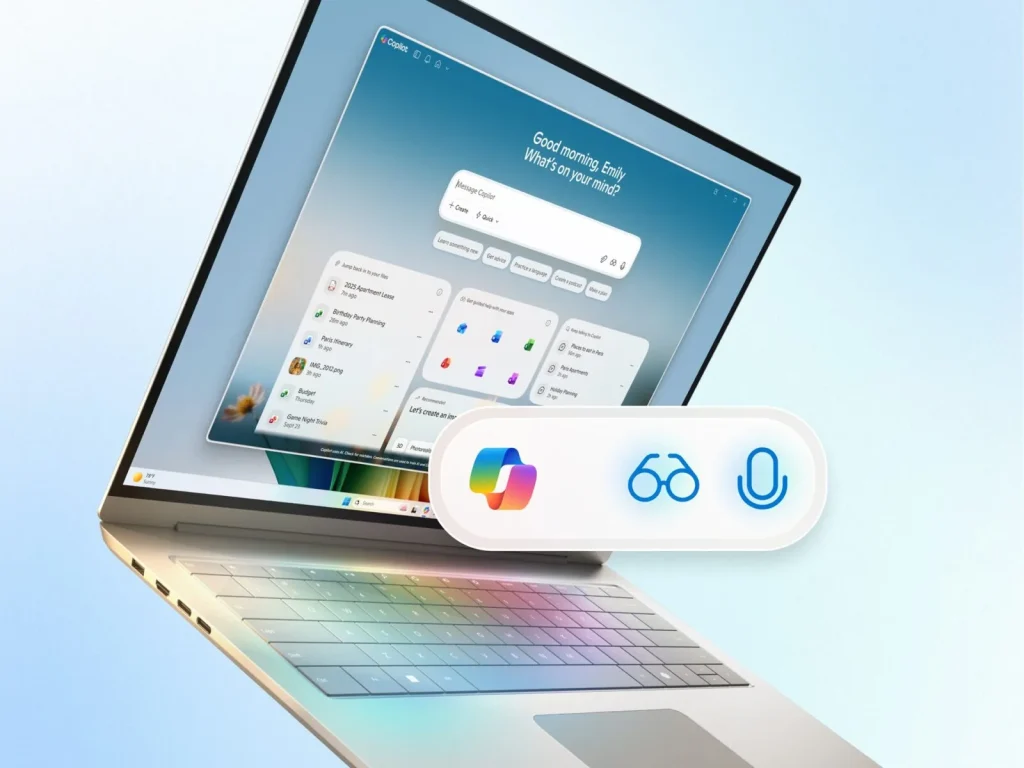
With this update, Microsoft is signaling a bold new era for Windows — one where AI is built into every layer of the operating system. From accessibility to creativity, from gaming to enterprise productivity, Windows 11 is evolving into a truly intelligent platform.
By integrating Copilot Voice, Vision, and Gaming Copilot, Microsoft is positioning Windows not just as an OS, but as a smart, adaptive, and personal digital companion for the modern user.

1 Comment
Pingback: Meet the World’s First Living Computer in 2025